
CASE /// OWN SOFTWARE · MAC
RAVARO Monitor
Own softwareA small app. Built because something was invisible.
In one day our computer said no 24 times, and nobody saw it. Now you see it right away.
github.com/RRavaro/ravaro-monitor
View the softwareThe source code is public.
Opens in a new tab
24 times no. Nobody saw it.
We run many AI windows at the same time. To keep the computer from crashing, a safeguard called the memory brake steps in: when memory runs short, it rejects new heavy tasks.
It did that reliably. It just wrote it to a file nobody reads. Since 11 October it had rejected 138 tasks, 24 of them on a single day. All we noticed was that something wasn't working, and we had no idea why.
The hard drive was the same story: 28 of 29 GB of conversation history sat on a drive that was 95% full, and nothing said so. Work stalled, and nobody knew the reason.
The damage wasn't the no. The damage was that nobody found out.
→ So we didn't need a better brake. We needed a view of what was happening.

Build it instead of searching for it
Of course we looked at what was out there. The best app we found showed usage, but neither memory nor disk, and it needed access to login data to do so. We would have spent our time adapting someone else's software that still wouldn't have solved our problem.
So we said what we often say: we'll build it ourselves. That way we decide what the software does and what it doesn't, and we don't have to hope another vendor sees it the same way.
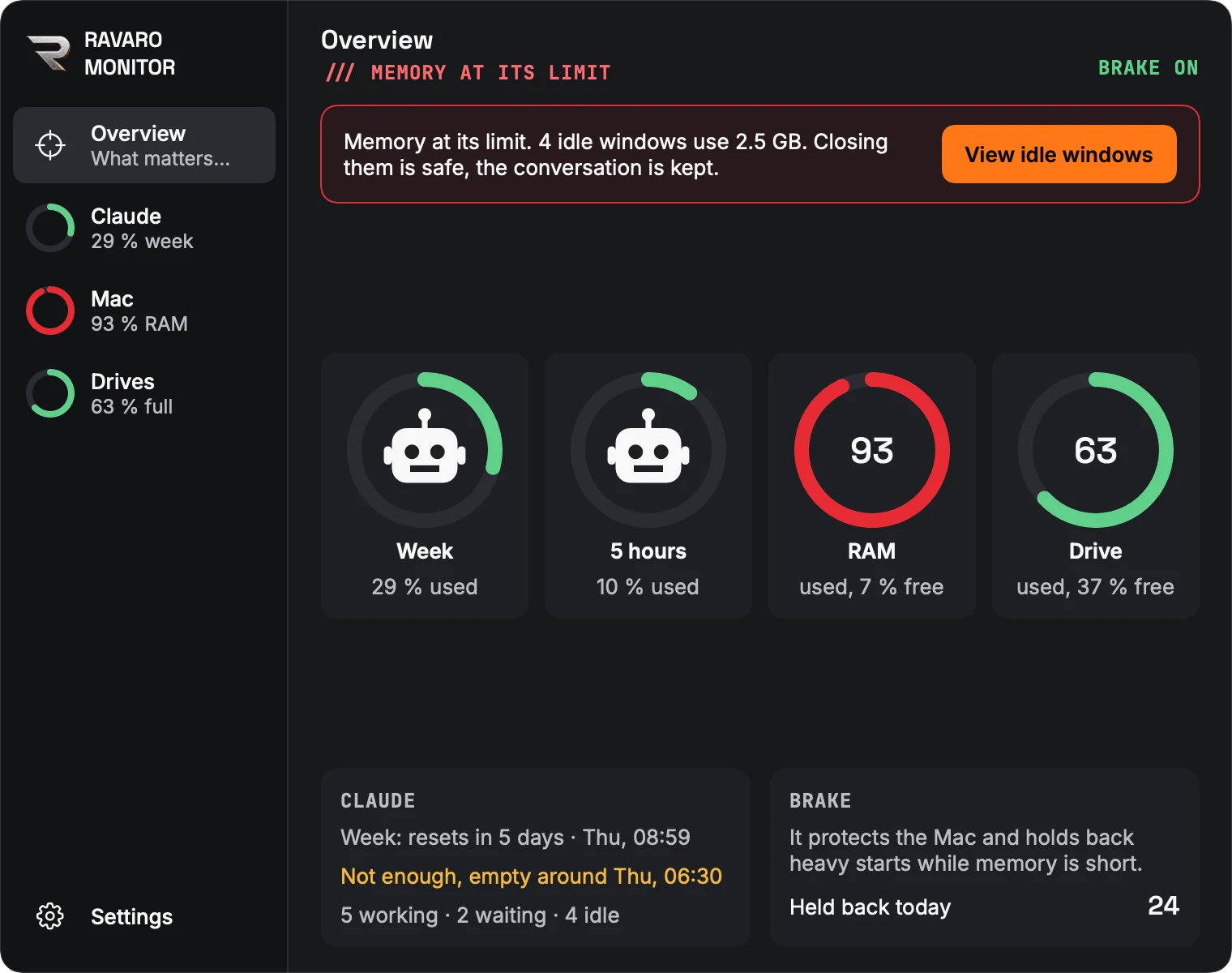
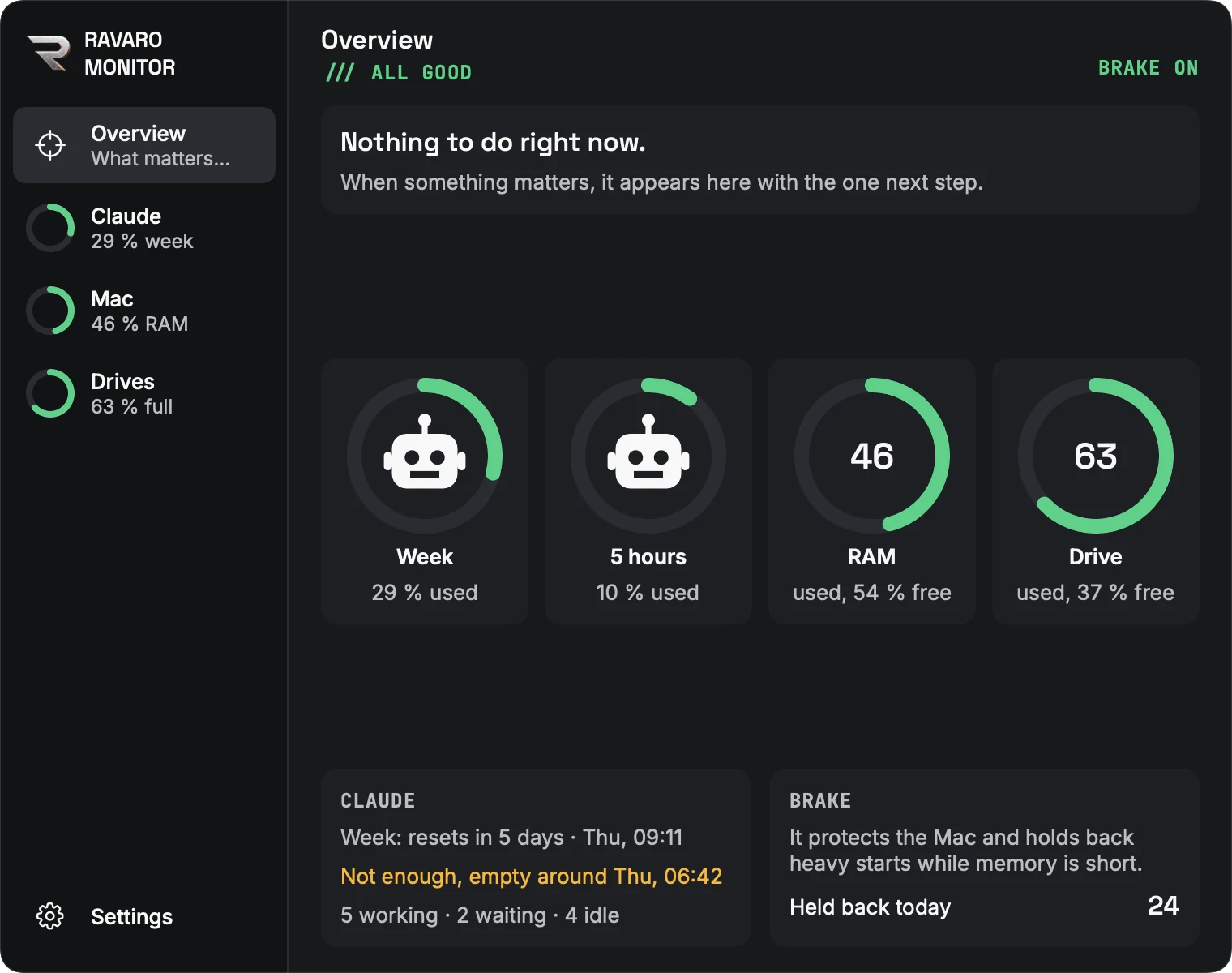
The idea was simple: not one more program you have to open. A narrow tab at the edge of the screen that is just there, with rings for usage, memory and disk. A full ring means things are getting tight. Only the battery works like on your phone: full and green is good.
When you build it yourself, you decide what goes in and what stays out.
→ Reading won't convince you here. Try it yourself.
The same no, twice
Below you see the same moment twice. Start a heavy task, once without and once with Monitor.
One click, both screens
Without Monitor
You never find out.
With Monitor

0 heavy starts were blocked because memory has reached its limit. Running work continues, Claude reports back in its window. Close windows and apps you do not need right now.
Simulated, with sample values.
Same event. Only once do you find out.
→ Now the idea had to become software.
First the route on paper, then the software
Before any feature was built, we settled what happens in what order: who does something, what gets decided and how it ends. Only when every route had an ending did we start building. That is how the first 27 versions came about in a single day, 30 October.
We work the same way in your business: with applications, with enquiries, with everything that gets left lying around.
- Memory brake
- Heavy task
- Check memory
- Memory too full?no → Start goes ahead
- Reject the start and note it
- Monitor
- Spot the new rejection
- Raise counter, turn tab red
- Alerts on?no → Counted only
- Message in the last 10 minutes?yes → Added to the current wave
- Show message with the count
- You
- See what is using the most memory
- Cause found
A process nobody has written down is a process nobody can improve.
→ At least as important: deciding what the software must not do.
Reads only. Never deletes.
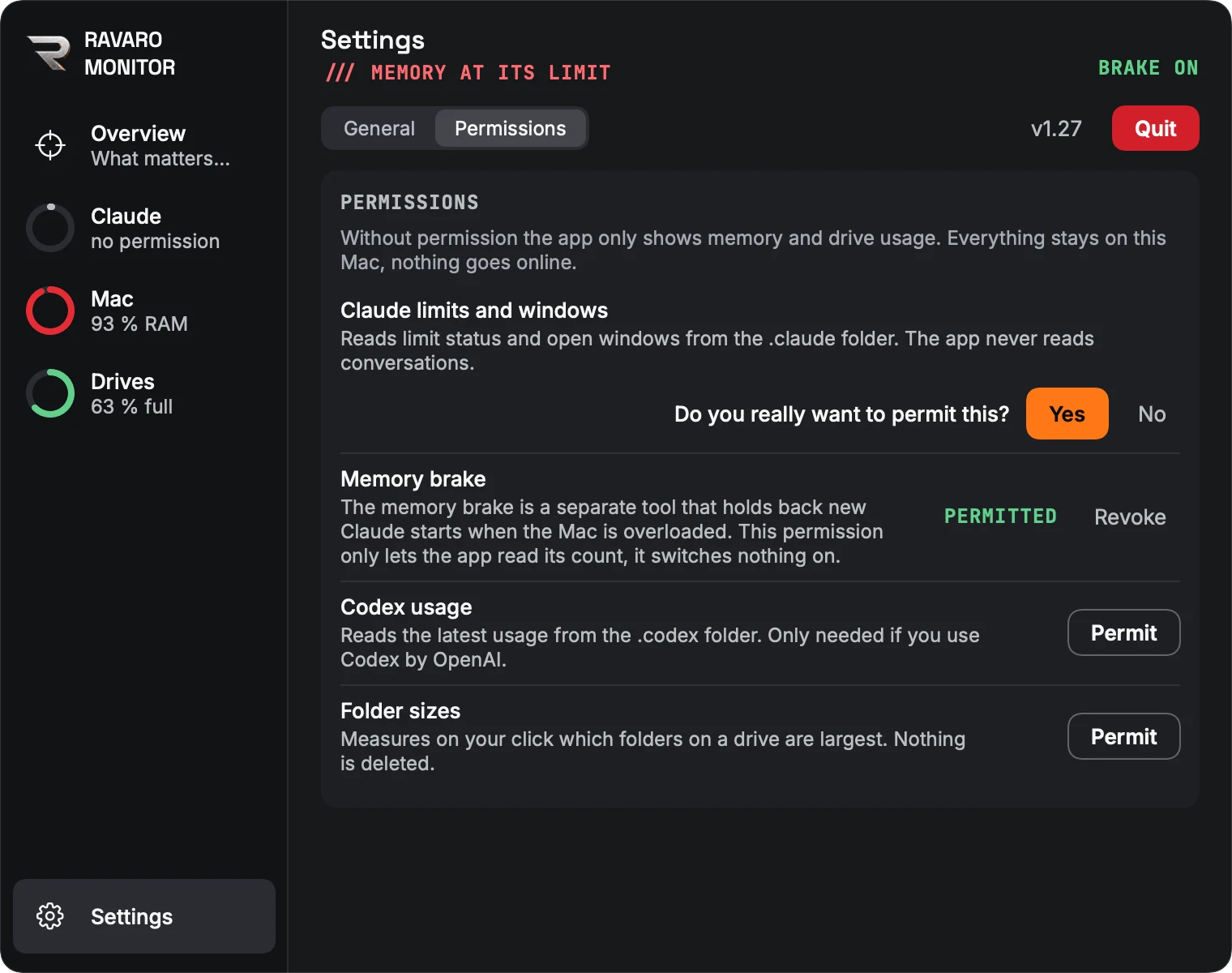
Software that looks through folders on your computer shouldn't be taken on trust. So Monitor asks on first launch and then for each feature separately, and every yes has to be confirmed once more. Without a yes it shows only memory and disk usage.
It has no server, no account and sends nothing online. We had planned a clean-up feature with a trash folder and dropped it again: Monitor shows where the space is. Deleting is up to you alone.
What software can't do can't go wrong.
→ That sounds smoother than it was.
What went wrong
You only move this fast if you see every mistake immediately and fix it immediately. Here are four of them:
- What happened
On three rings full meant bad, on one it meant good. You had to stop and think.
→ What we do differently nowEvery ring reads the same way. The only exception is the battery.
- What happened
The Quit button got lost.
→ What we do differently nowIt's red, so nobody presses it by accident.
- What happened
During a test our testing tool took over the mouse without asking.
→ What we do differently nowMouse and keyboard only after an explicit yes.
- What happened
Outside testers didn't understand some of the words.
→ What we do differently nowOne thing has one name everywhere, and the testing continues.
→ This is what came out of it in the end.
Everything you'd otherwise notice too late
Today Monitor sits at the edge of our screens, and not a single no goes unnoticed. The source code is public on GitHub.
Usage limit
Shows how much of the Claude limit is used and whether it will last until it resets.
For you: You see the bottleneck before things stop, not after.
Memory
Shows what is using the memory and warns at the same limits as the brake.
For you: Anyone asking why something is stuck gets a name instead of a suspicion.
Drives
Shows the largest folders and takes you there with one click.
For you: You decide. The software never clears anything away unasked.
Idle windows
Shows which windows have been doing nothing, and since when.
For you: You see what you can close without having to ask anyone.

Battery
Only appears if there is one.
For you: What you do not need stays out of your way.
Photos from the software, with sample values. The battery is simulated.
→ So what does this have to do with your business?
Where is your business saying no right now without you hearing it?
An enquiry sitting in the inbox for two days. An application with no answer. A customer nobody called back. Nobody did anything wrong, and still something gets lost without anyone finding out.
That is exactly our work: finding the silent bottleneck and building what makes it visible. If a good tool already exists, we use it. If not, we write it.
You tell us where things get stuck. We tell you honestly whether we can help.
Working with Claude yourself? Monitor is on GitHub.
MORE CASES ///
Next build
Diakoniestation Marbach
One leadership post that decided how large the station was allowed to be.
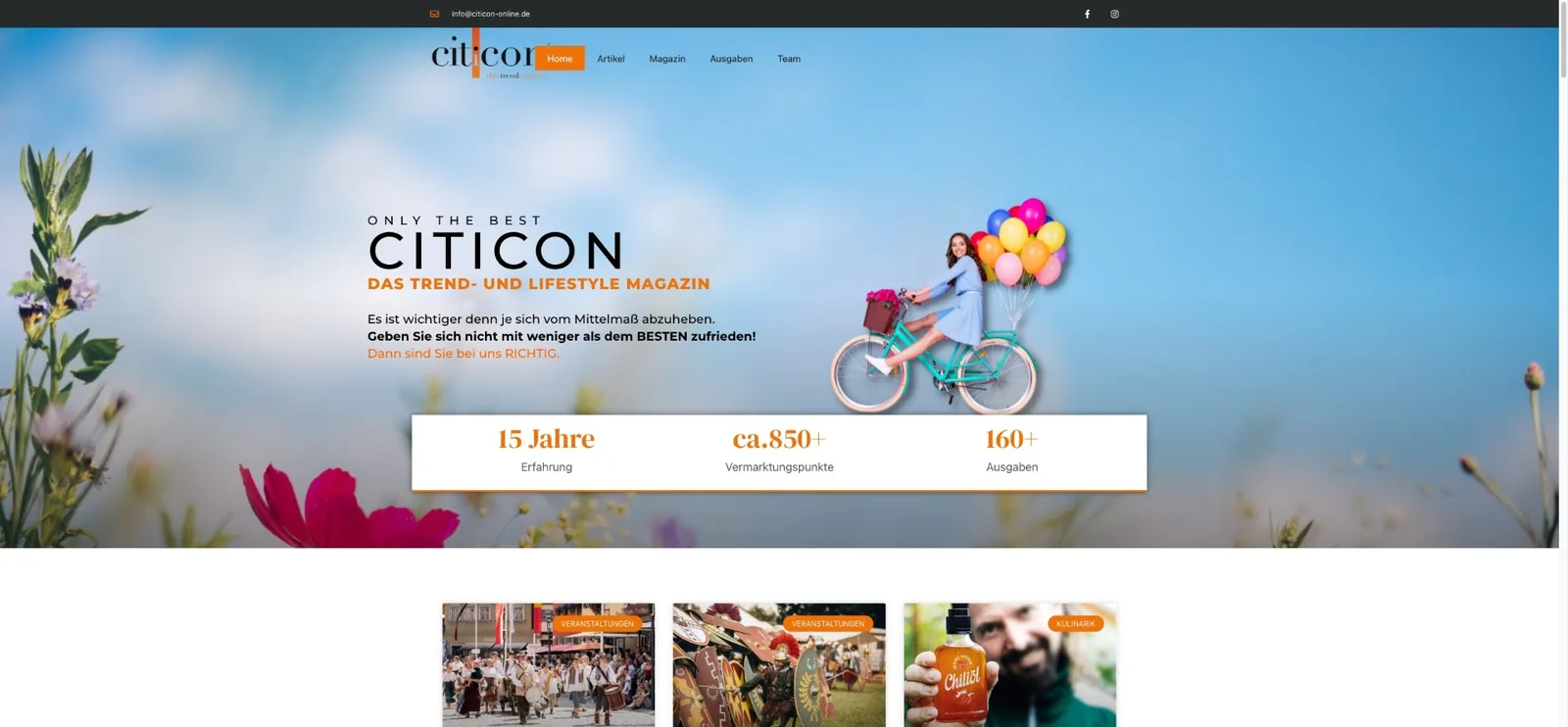
CITICON
A magazine's website that stopped costing money and started carrying advertising space of its own.
All projects
Clients, concepts, websites and own software.